

AI search could not be completed. Please try again or adjust your search.
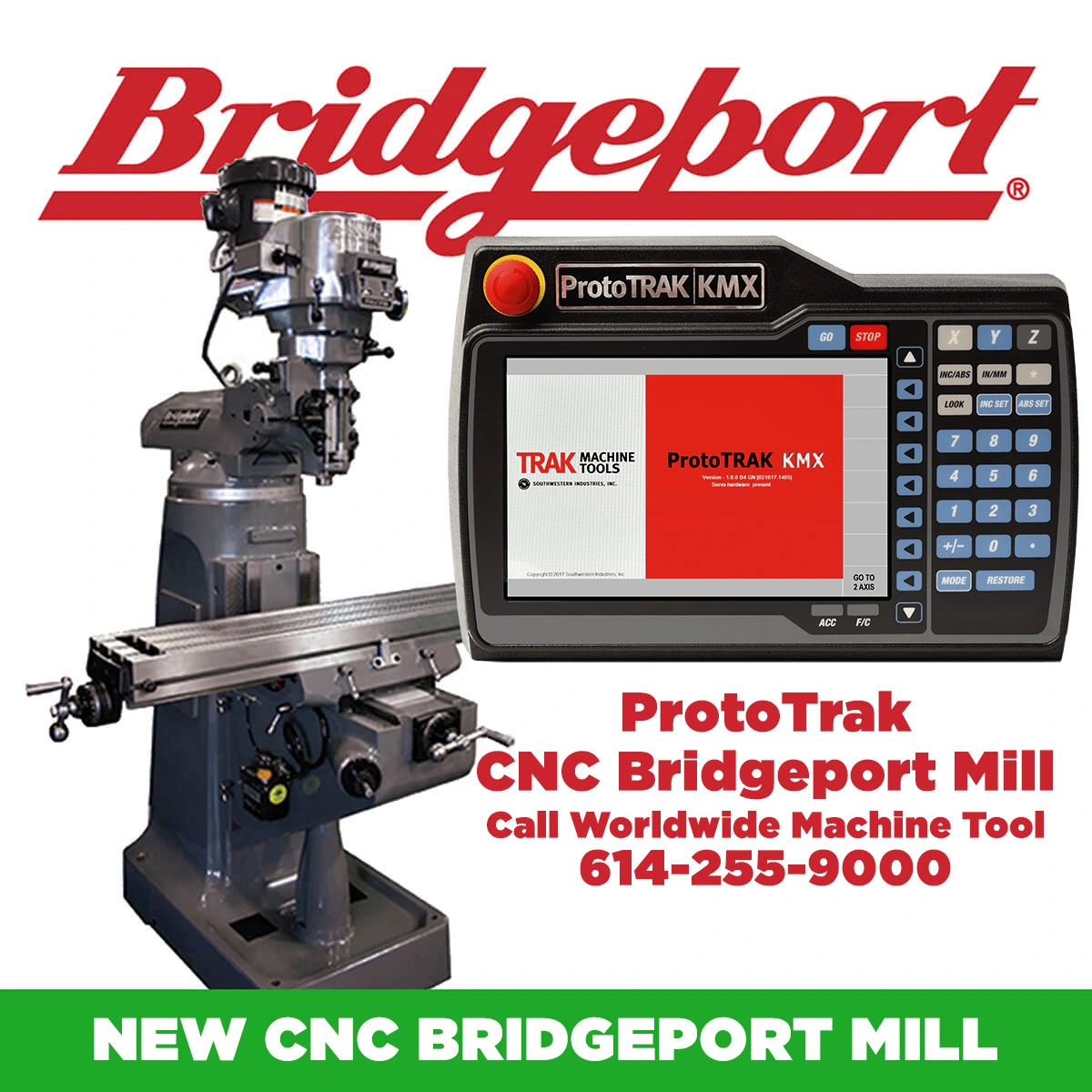
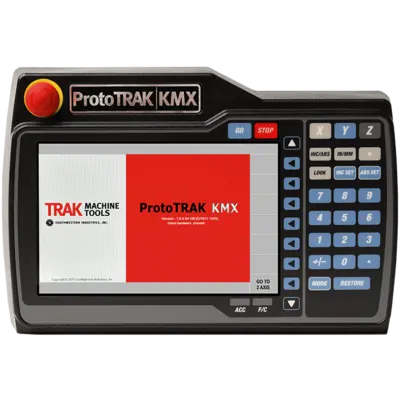
Announcing the new Bridgeport CNC Vertical Milling Machine with ProtoTrak KMX – 2 Axis CNC Control for sale only at Worldwide Machine Tool. This machine is available through ordering with Worldwide Machine Tool. Call for pricing and delivery times 614-255-9000
9″ x 49″ New Bridgeport CNC Vertical Milling Machine with ProtoTrak KMX 2 Axis
Easy to learn and use
Improved Auto Geometry Engine®
Outstanding graphics
Powerful offline programming for using our Advanced Software Options
Can handle quick manual jobs to complex profiling
Position
Position
Drill
Bolt Hole
Mill
Arc
Face Mill
Circle Pocket
Rectangular Pocket
Irregular Pocket
Circular Pocket
Rectangular Profile
Irregular Profile
Subroutine Repeat
Subroutine Rotate
Subroutine Mirror
Copy Repeat
Copy Rotate
Copy Mirror
Program complex profiles easily with the powerful A.G.E. feature. Enter the information you have and the A.G.E. will calculate missing points for you while you program.
ProtoTRAK Upgrade Hardware
Note: For upgrades, use your current motors, servo amplifiers and ballscrews. There are some exceptions. See the details of your kit, or contact us for more information.
Control Hardware
Digital servo amplifiers — custom-designed for ProtoTRAK operation
D.C. servo motors rated at 280 in-oz. continuous torque, twice the required amount
Precision ball screws in the table and saddle
Modular design simplifies service and maximizes uptime
115V / 60Hz / 10 amps / 1 phase
Feedrate override of programmed feedrate and rapid
Polycarbonate sealed membrane keypad locks out contamination
9.0″ color LCD
Windows® operating system
USB port for interface with a storage device
Rugged industrial PC
RJ45 port and Ethernet card for networking
Glass scale on quill for Z-axis readout
Control Software
Clear, uncluttered screen display
Prompted data inputs
English language — no codes
Soft keys change within context
Selectable two- or three-axis CNC
Inch/mm selectable
Convenient modes of operation
Diameter Cutter Compensation allows programming of the part rather than the tool centerline
Circular interpolation makes arcs and any size hole easy to do with standard tools
Linear interpolation for machining lines at any angle
Conrad provides automatic corner radius programming with one data input
Incremental and absolute can be mixed within an event
Error messages identify programming mistakes
Fault messages support system self-diagnostics
Parts graphics display
Look — view graphics during programming with a single button press
Math Help — graphical, prompted assistance for finding points
Machine Tool Error Compensation and Backlash Compensation custom set after installation
Selectable inch/mm measurement readout
Jog of X and Y from 1 to 100 inches per minute; DPMKX2 150 ipm on Z
Selectable 2- or 3-axis operation
AGE (Auto Geometry Engine)
DRO Mode Features
Incremental and absolute dimensions
Jog at rapid with override
Powerfeed X, Y, or Z
Teach-in of manual moves
Servo return to 0 absolute
Tool offsets from library
Go To Dimensions (optional with TRAKing®) (O)
Fine/coarse handwheel resolution (optional with TRAKing®) (O)
Program Mode Features
Auto Geometry Engine
Geometry-based programming
Tool path programming
Scaling of print data
Programming of auxiliary functions (when present in original control)
Three-axis geometry conversational programming
Incremental and absolute dimensions
Automatic diameter cutter compensation
Circular interpolation
Linear interpolation
Look — graphics with a single button push
Event editing within the program
Conrad — automatic corner radius
Math Help — with graphical interface
Tool step-over adjustable for pocket routines
Selectable ramp or plunge cutter entry
Subroutine repeat of programmed events
Nesting
Subroutine rotate about Z-axis for skewing data
Subroutine mirror of programmed events
Copy repeat — for editing of repeated events
Copy rotate — for editing of rotated events
Copy mirror — for editing of mirrored events
Run Island, Helix, Thread Mill, and Engrave events (when present in an imported ProtoTRAK program)
Programmed Canned Cycles
Posn/Drill — single point
Bolt Hole — series of points evenly spaced around a circle
Mill — straight line in any direction
Arc — any portion of a circle
Pocket — rectangle, circle, or irregular shape with all material removed inside; includes finish cut
Face Mill — removes material from the top of the workpiece; includes Z finish cut
Profile — perimeter of a rectangle, circle, or irregular shape; includes finish cut
Repeat, Rotation, Mirror of programmed events, with or without offset
Set Up Mode Features
Service Codes
Software
Machine setup
Advanced diagnostics and service logs
Operator defaults and options
Software
Machine setup
Advanced diagnostics and service logs
Operator defaults and options
Set Pocket and Face Mill step-over (in Service Codes)
Tool library
Tool names
Tool length offset with modifiers
Tool path graphics with adjustable views
Verify — solid model representation of finished part (as programmed)
Run Mode Features
TRAKing (O)
3D CAM file program run
3D G-code file run with tool compensation
Real-time run graphics with tool icon
Program In/Out Mode Features
Program storage to USB flash drive
CAM program converter
Converter for prior-generation ProtoTRAK programs
DXF/DWG file converter (offline version only)
Selection of file storage locations
Preview graphics for unopened files
Networking
Save Temp — saves current program, tool offsets, and home positions for minimal setup the next day
Software Options
Offline programming system
DXF and Parasolid programming on Offline
KMX Offline Programming
All features of the ProtoTRAK KMX organized to run on your PC
Program and set up your jobs, then load into the ProtoTRAK KMX
Windows® operating system (not compatible with Mac OS)
Converter Package for Offline (requires purchase of KMX Offline Programming)
Verify
Solid model representation of machining the part including the tool path
The DXF File Converter
Import and convert CAD data into ProtoTRAK programs
DXF or DWG file support
Chaining
Automatic gap closing
Layer control
Easy, prompted process you can do right at the machine
The Parasolid File Converter
Generate ProtoTRAK KMX programs from the data in the solid file
.x_t 3D CAD format support
No specialized knowledge required
TRAKing®/Electronic Handwheels Option
Electronic handwheels on X and Y (replaces mechanical handwheels)
TRAKing of programs during program run
Go To Dimensions
Selectable fine/coarse handwheel resolution
Note: Pricing is subject to change based on manufacturer. Request a quote for current pricing and availability. Clausing warrantees the machine and control for a period of one year from the date of installation. This warranty does not cover normal wear items such as filters and belts or damage that results from the misuse or abuse of this equipment.
The operation installation and parts manual includes the safety requirements and setup for a new Bridgeport milling machine. The parts diagrams and instructions help you setup and maintain a new Bridgeport mill. Call Worldwide Machine Tool at 614-255-9000 for help.
Click to download a Bridgeport Mill Parts and Maintenance Manual
Click and Download the Bridgeport Mill lifting instructions.
Click and Download the Bridgeport Mill Safety and Data Sheet.
Click and Download the Bridgeport Mill Older Parts Sheet.
Bridgeport Dimensions and Shop Floor Foot Print. 5′ Front to back , 87″ Tall, 68″ Tall with head tilted Down.
About Us
Worldwide Machine Tool is the leader in providing full sales, parts and service, financing, transportation and training of new and used machine tools for chip and fabrication clients across the United States, Canada and Mexico. Our warehouses and office is located just minutes north of Columbus, Ohio. With over 28 years of experience in the industrial machine tool industry, we have the knowledge and expertise to provide our customers with the best customer service, support and technical expertise on all new and used machine tools to meet their needs.
We buy and sell new and used ironworkers, shears, lathes, milling machines, drills, saws, press brakes, routers, turret punch models, presses, welders, deburring and beveling machines, plate rolls, laser, waterjets and associated tooling and accessories. We take pride in being a trustworthy partner that our customers rely on through the years. Our experienced sales team would love to help you with your next machine tool purchase. Give us a call today or Request A Quote. Call 614-255-9000 or Contact us today to experience the Worldwide Machine Tool difference.
Check us out on Twitter, Facebook, Youtube, and Instagram.
Worldwide Machine Tool LLC.
Terms and Conditions: https://www.worldwidemachinetool.com/terms-conditions/
Table & Ways: Table Size
Table Height Above Floor (max): 47.25”
Table Load: 750lbs.
No. of T-slots: 3
T-slot Width: 5/8”
T-slot Center Distance: 2.5”
Table Ways: Dovetail
Knee Ways: Dovetail
Column Ways: Dovetail
Travels: X Longitudinal Table (w/o pwr feed)
X Longitudinal Table (w/pwr feed): 33”
Y Cross: 12”
Knee: 16”
Ram: 12”
Throat Distance (min): 6.75”
Throat Distance (max): 18.75”
Table to Nose Gauge Line (min/max): 2.5” / 18.25”
Motors & Spindle: Spindle Motor (duty cycle/continuous)
Amp. Draw 208v.: 7
Amp. Draw 230v.: 7
Amp. Draw 460v.: 5
Speed Range High Range: 500-4200 RPM
Speed Range Low Range: 60-500 RPM
Main Spindle Taper: R8
Spindle Travel: 5”
Quill Feed (in/rev.) 2 Axis System: .0015/.003/.006
Quill Feed 3 Axis System: 0-100 ipm
Quill Diameter: 3.375”
Capacities: Power Quill Feed
Milling Capacity (mild steel): 2 CI/in
Boring Range (mild steel): 6” dia
Spindle Diameter: 1.875”
Feed Rate Range (X,Y): 0-100 ipm
Minimum Increment: 0.0001”
Construction & Weight: Floor Area
Height: 87”
Net Weight: 1930 lbs
Shipping Weight: 2075 lbs
Input Power: 208/230/240 Volt